Running
It’s recommend to create a folder first before starting your server:
# change "myServer" to "brickadia" or "server" or whatever you want
mkdir myServer && cd myServer

# this will place a folder called "myServer" in your home (cd ~)
To start a server, simply type the following in a linux shell after install:
omegga
Omegga will prompt for credentials as necessary and only stores the auth tokens brickadia generates on login. Omegga does not store your password.
The first start downloads Brickadia through SteamCMD. Omegga uses a steamcmd
already on PATH, or asks before installing its own into
~/.config/omegga/steam. Installing one yourself first is optional. Anything
that cannot answer that prompt, like a service manager or a game panel, should
set SKIP_STEAMCMD_PROMPT=true to agree in advance.
Omegga runs in the current working directory. To have it always use the same
folder regardless of where you start it, run omegga config default $(pwd).
Once it is up, the web UI is at https://127.0.0.1:8080 unless you changed
omegga.port. See Configuration for what else the server reads on
startup.
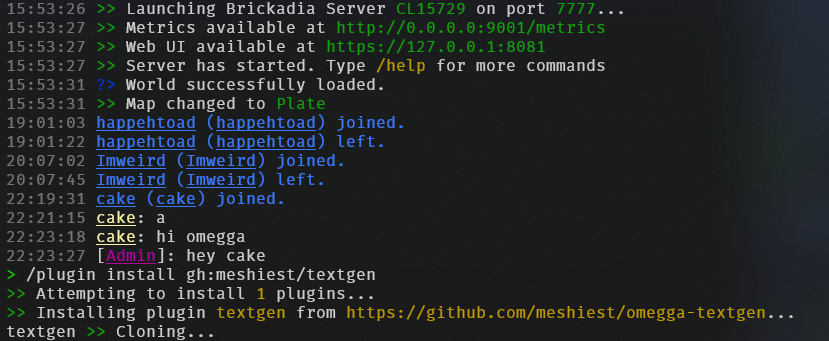
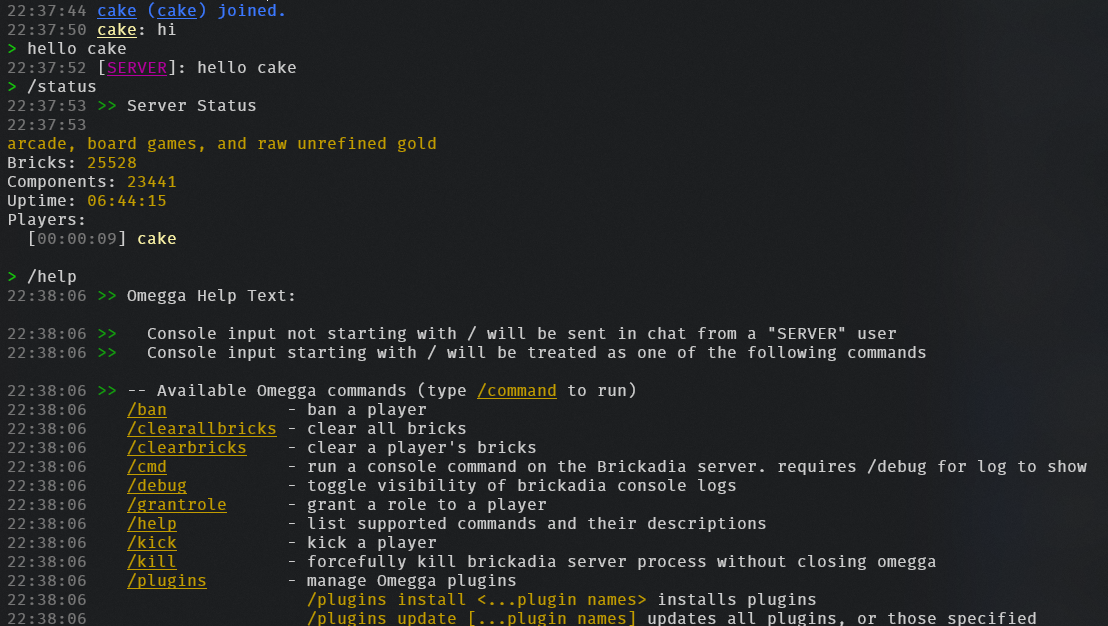
The console takes the same commands players type, plus omegga’s own. /help
lists them, and plugins add their own to it.
Log files
Everything the console prints is also written to data/logs, one file per day,
so a crash that scrolled off screen is still readable afterwards:
data/logs/omegga-2026-09-16.log
data/logs/omegga-2026-09-16.1.log
A day that passes logs.maxSizeMB (32MB) rolls to the numbered parts, and files
older than logs.keepDays (7) are deleted at startup and at each midnight. The
colors are stripped, so the files are plain text and grep works on them.
These hold omegga’s own output: startup, plugins, chat, joins and leaves, kicks
and bans. Brickadia writes its own log separately, under data/Saved/Logs.
Starting with --debug puts that output here as well, which makes the files
very much larger.
See Configuration for how to tune or disable this.
Worlds
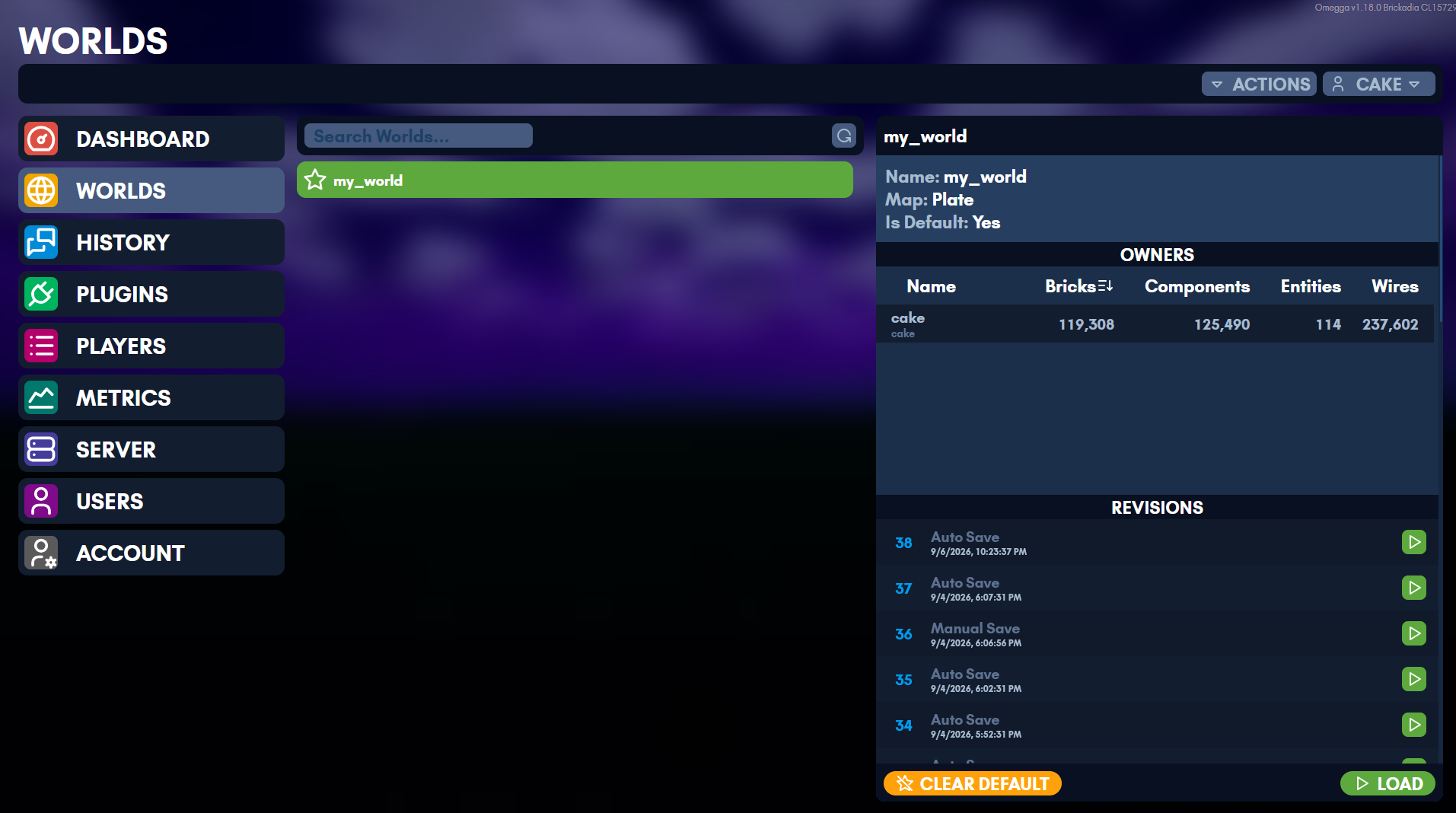
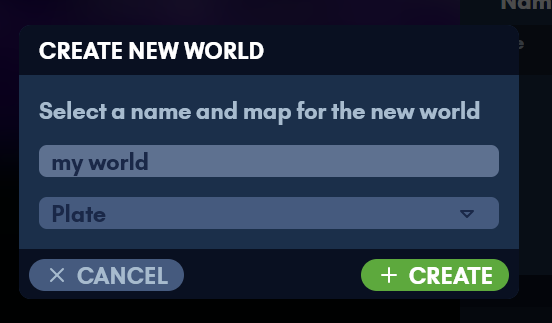
Worlds are managed from the web UI: create one, load it, or set the one to load on startup.
Updating
There are two things to keep up to date, and they update differently: the Brickadia server, and omegga itself.
The Brickadia server
The Server page shows the installed game version and updates it, and omegga does it on its own when automatic updates are on.
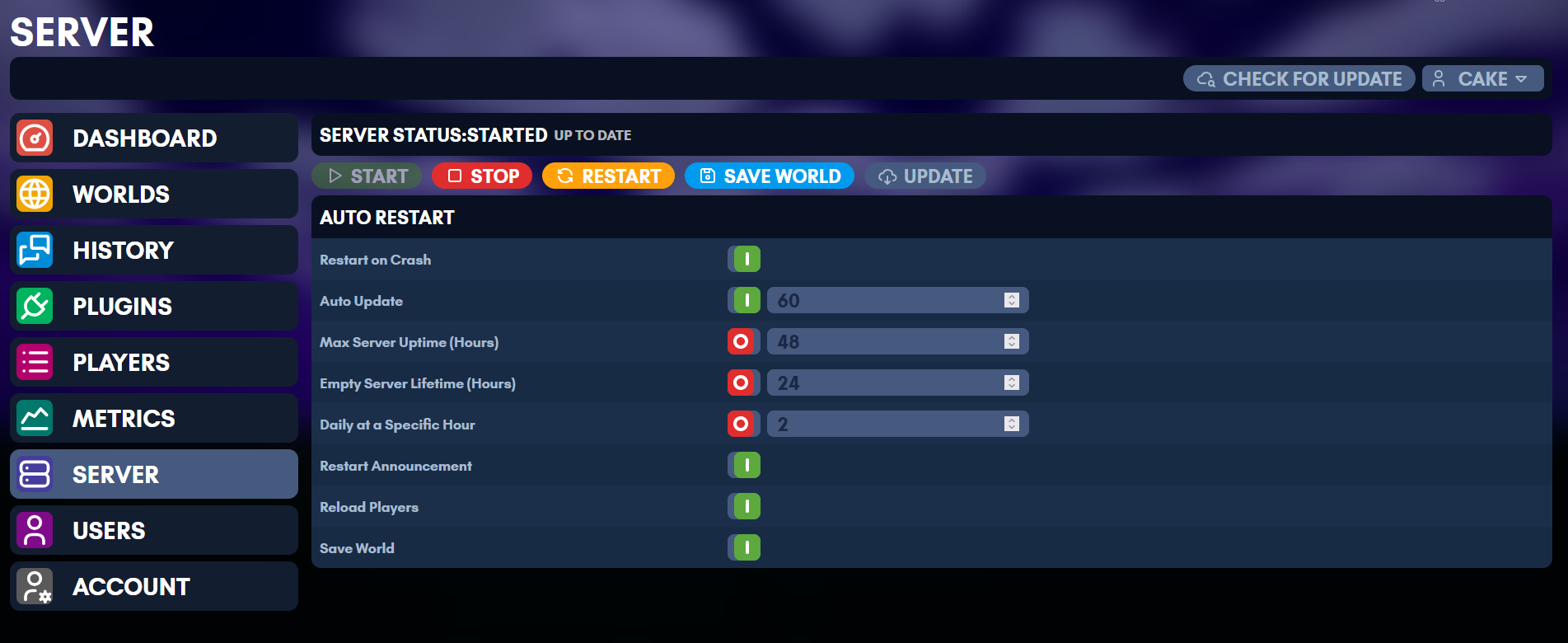
Without automatic updates, check for one by starting omegga with --update:
omegga --update
The /update command in the omegga console does the same while it is running.
It always stops and restarts the server, whether or not there was anything to
download, so /updatecheck (/uc, /check) asks Steam whether an update
exists and leaves the server alone. /uc show prints the local and remote build
IDs, and /uc on//uc off toggles automatic updates.
/version (/ver) prints the version the server is running.
To install or update the game without starting the server, run omegga download. It exits when SteamCMD finishes, which is what a provisioning step
wants, such as a game panel’s install stage.
Omegga itself
Omegga will tell you when it is out of date. It cannot replace itself while it is running, so stop it first:
npm i -g omegga
That is for the npm install. A container has omegga baked into the image and updates by pulling a new one, covered in Containers; a game panel updates by changing the image tag it runs, covered in Pterodactyl / Pelican.