
 Omegga
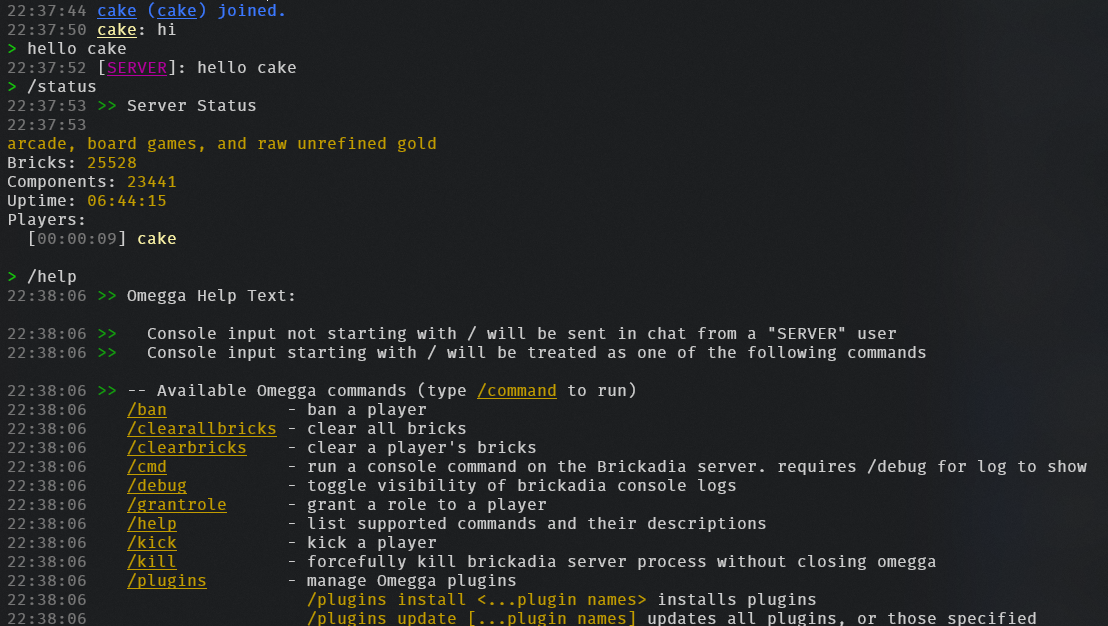
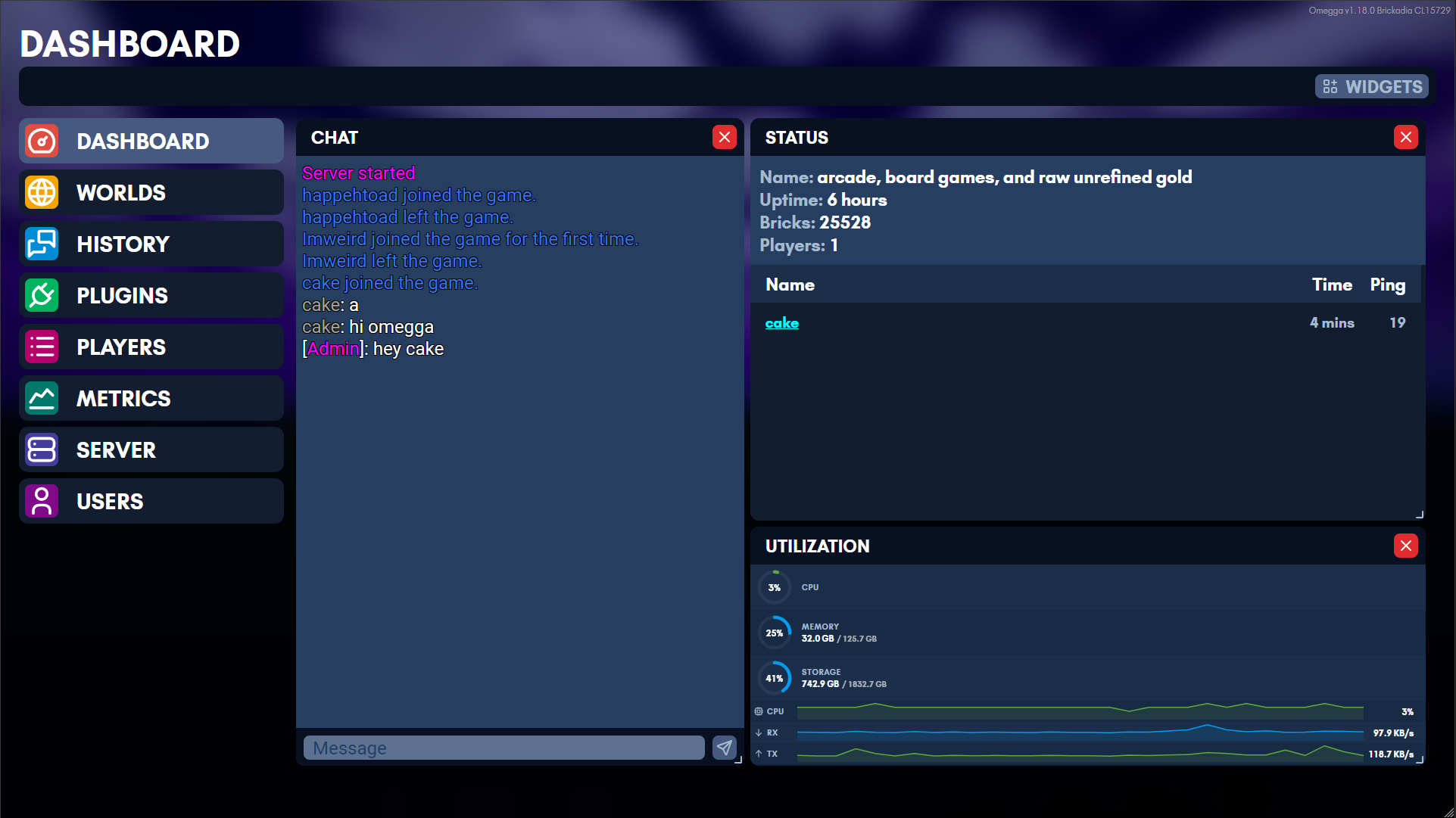
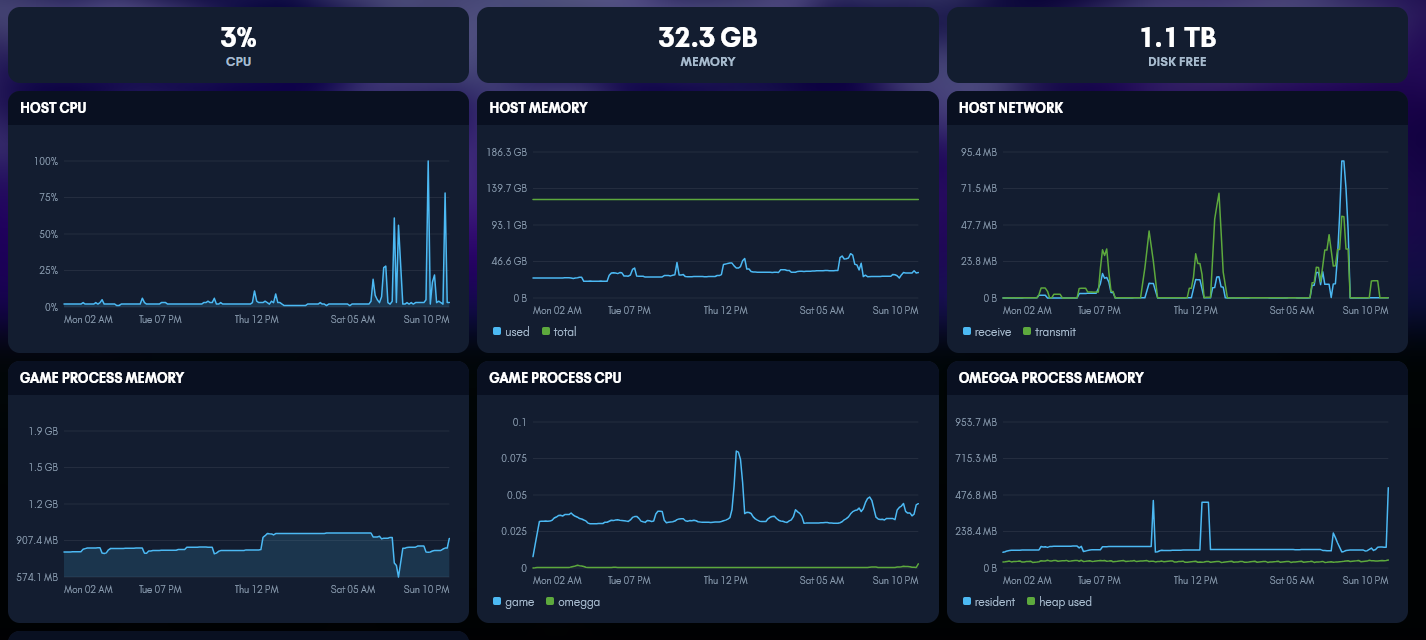
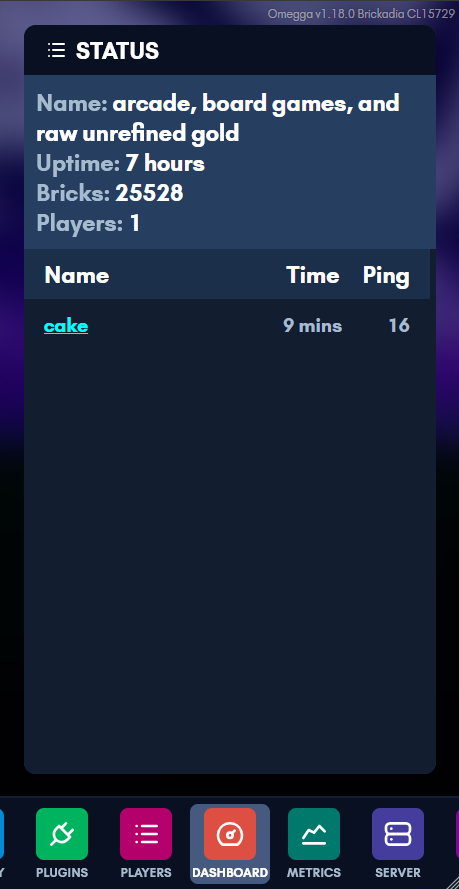
Omegga wraps Brickadia’s server console to provide interactivity and utility via plugins along with a web interface for managing your server.
Join the discord to browse plugins and get support.
Quick Install
Get Omegga on Debian, Ubuntu, Fedora, or Arch with:
curl -fsSL https://omegga.brickadia.dev/install.sh | bash
Omegga install.sh Docs | Omegga install.sh Source
Start here
| Installing | linux, WSL, a container, or Pterodactyl/Pelican |
| Running | starting a server and keeping it updated |
| Troubleshooting | when it does not start |
| Configuration | omegga-config.yml, field by field |
| Plugins | installing them, and writing your own |
| API | what a plugin can reach |
| Guides | wires, HTTPS, and running on another machine |
What omegga can do
- Automatically update/restart your server
- Manage your worlds from a web interface and load a world on startup/restart
- Chat with players while not on the server
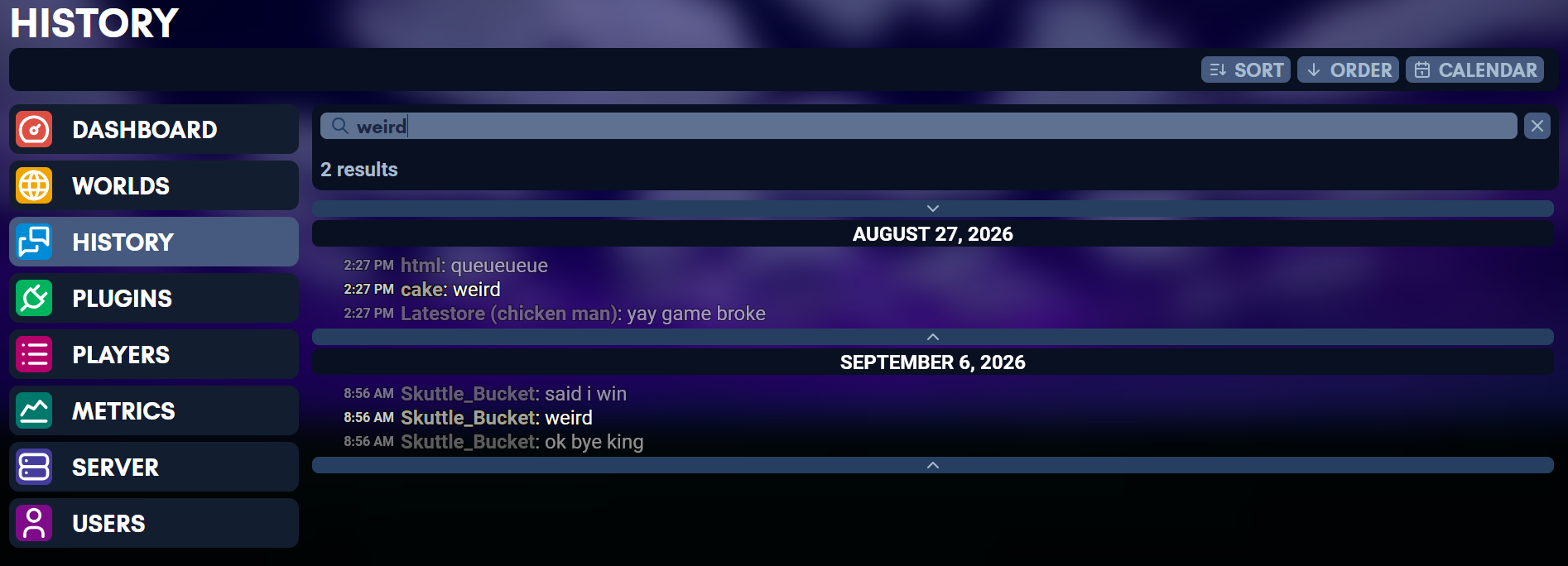
- Read chat history with timestamps
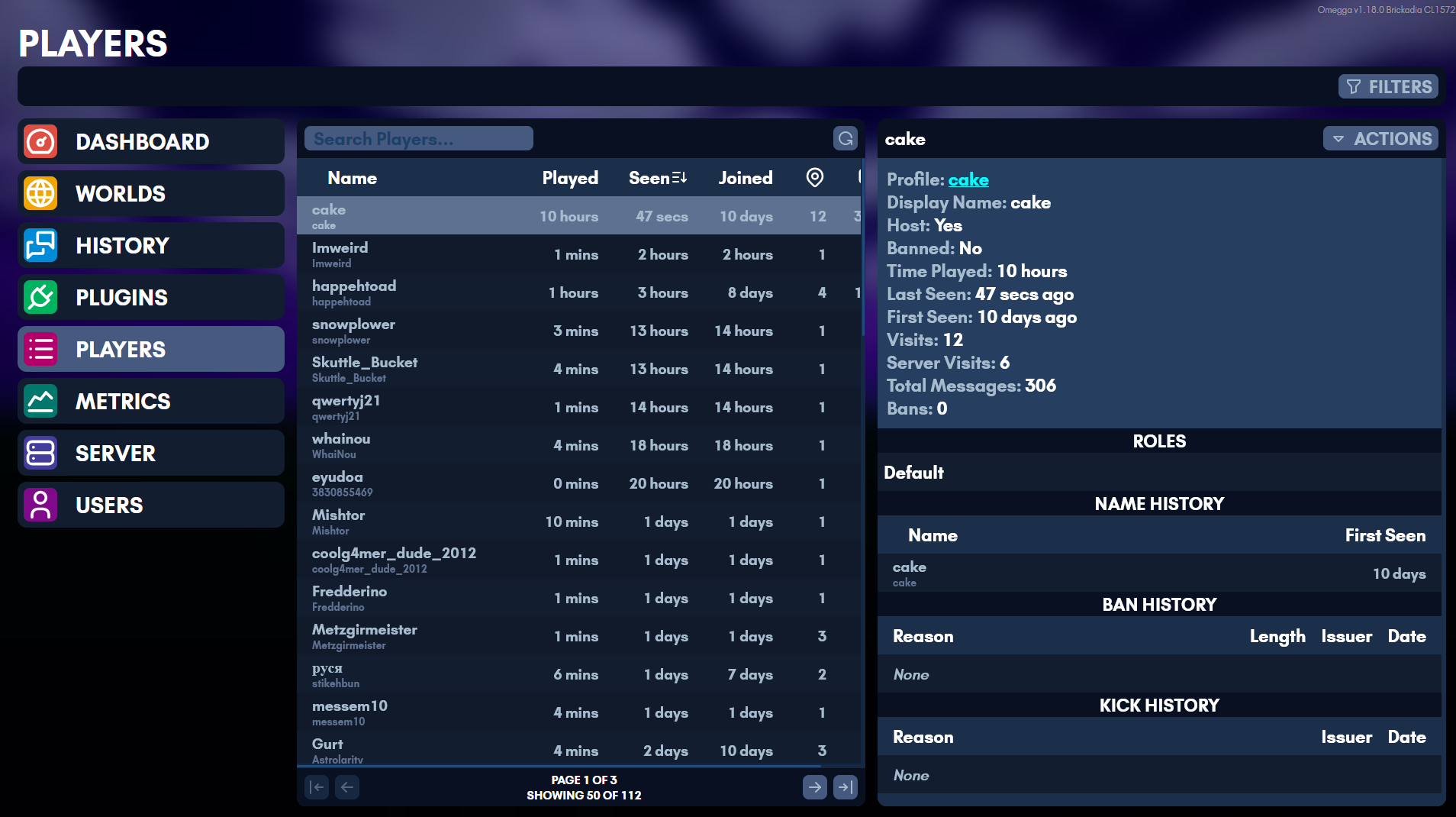
- See kick and ban history
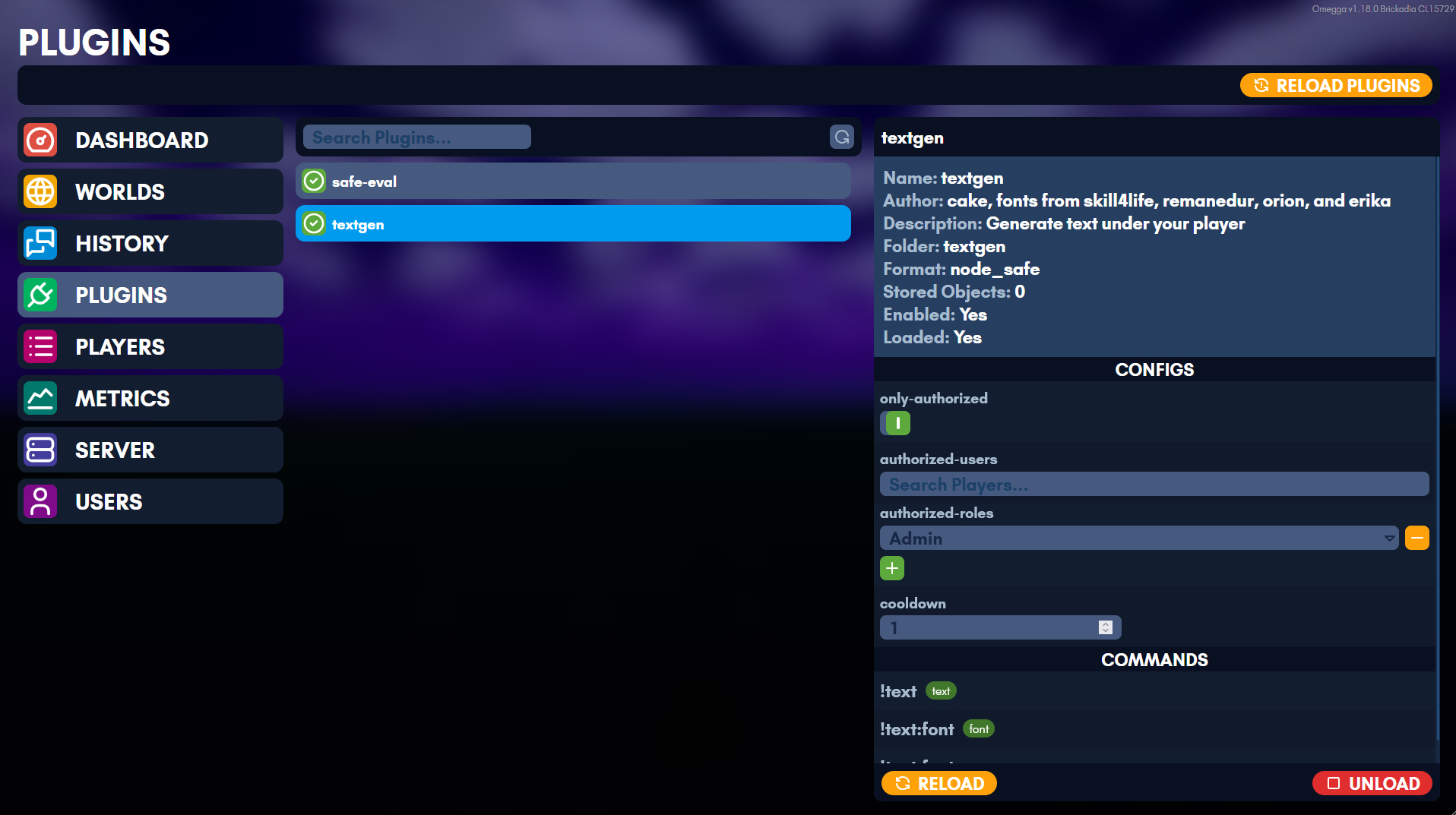
- Configure plugins from a web interface
- Manage permissions and multi-user role based access to the above features on a web ui
What plugins can do
- Interface with in-game wires and react to in-game wire events
- Add custom chat !commands and /commands
- Respond to and send chat messages
- Load bricks onto a player’s template
- Load/Clear regions of bricks, entities
- Damage/heal players
- Give/remove weapons to players
- Change the environment
- Teleport players, detect player’s positions
- Grant players roles
- Detect when a brick with an interact component is clicked