Installing Omegga
Omegga runs on linux. Pick the one that matches where you are starting from:
| Linux | a linux machine or VPS you already have a shell on |
| Windows (WSL) | Windows, through the Windows Subsystem for Linux |
| Containers | docker or podman, with node and omegga already in the image |
| Pterodactyl / Pelican | a game server panel, running the published image from an egg |
Neither the container image nor the panel needs node on the host, since both run the published image. Linux and WSL are the same install once you have a shell, so the WSL page is just the extra steps to get one.
Get Omegga on Debian, Ubuntu, Fedora, or Arch with:
curl -fsSL https://omegga.brickadia.dev/install.sh | bash
This script will ask before installing anything, and refuses to install omegga as root. Read what it does. Windows users need WSL first: this script will not run on windows, and omegga is not supported on Windows.
Do not install omegga or run brickadia/omegga as root/superuser:
- running
whoamishould NOT print “root” - your terminal prompt should NOT end with #
- you should NOT be typing
sudo npm i -g omegga - running
echo $EUIDshould NOT print “0” - if you type
pwdit should NOT print “/root” (typecdto navigate to your user’s home dir)
If any of the above are true, create a new user and continue from there.
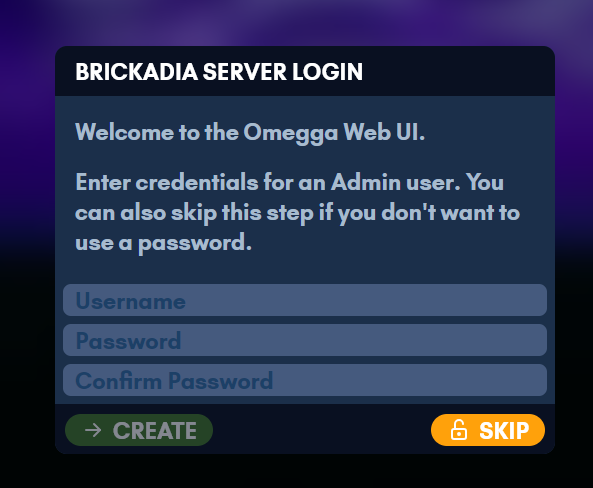
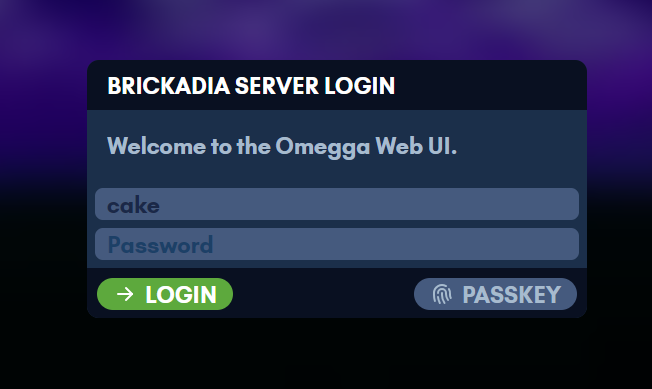
On first start omegga prints a one-time link to claim the web UI. You can set up an admin account there, or skip it and run without a password.
Once it is installed, head to Running.